
Our views on technology, security, marketing & design
AllAICloud BackupCloud SecurityConsumer ProtectionCritical InfrastructureCybersecurityData BreachData ProtectionDigital MarketingEmployee TrainingEthicsIT SecurityLocal BusinessLocal NewsMacNewsPrivacyScamsSelf-HostingShared HostingSmall BusinessSmart HomeTechnologyTips & TricksUncategorizedWeb Design
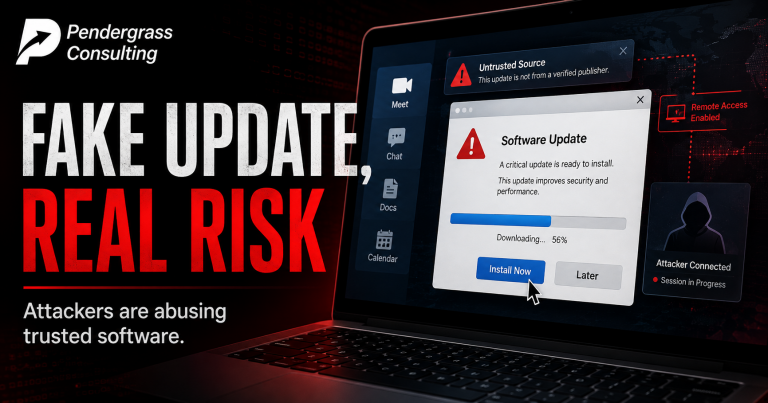
You’ve been trained your whole life to do one thing without hesitation: install the update. Attackers noticed — and built an active campaign around turning that good habit into their way in. SMOKE#SCREEN uses fake Adobe and Zoom update prompts (one fake Zoom page is polished down to the exact brand colors, with a download that starts automatically after two seconds) to trick you into installing a REAL, legitimate remote-access tool — which they then quietly point at their own servers. Your antivirus never flags it, because nothing malicious was installed. It hits Macs too. Here’s how it works, why no product can fully stop it, and the one simple habit that shuts the whole thing down.
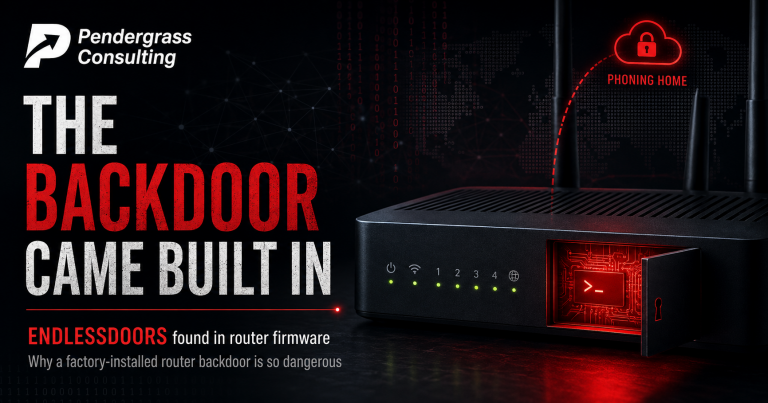
Every device on your network is something you have to trust — and a router is the box every scrap of your internet traffic flows through. Researchers just reported finding a hidden backdoor, dubbed ENDLESSDOORS, baked into the firmware of 20+ router models from a Chinese manufacturer. This isn’t a bug someone might exploit; it’s deliberate remote-control software that ships inside the router from the factory, starts the moment it powers on, phones home every 35 seconds, hides as a normal system process, and can hand over total control with no password. Changing your Wi-Fi password does nothing. A factory reset may reinstall it. Why a compromised router is the worst device to lose, the manufacturer’s response, and the supply-chain lesson for every business.
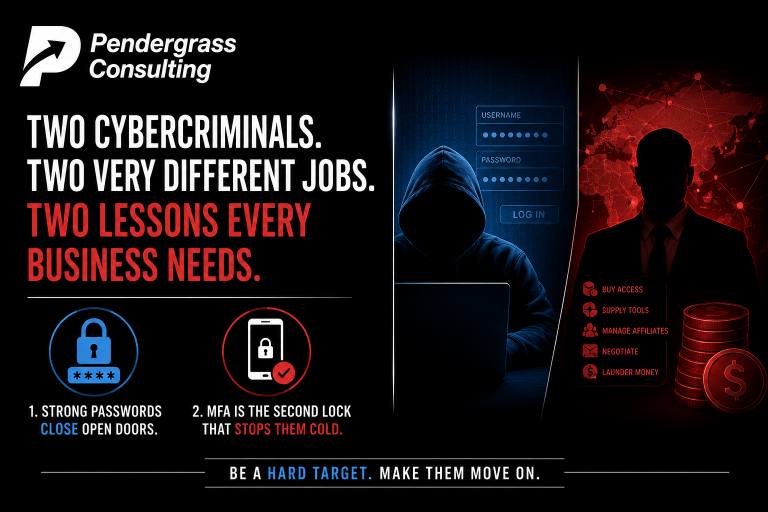
On a single Wednesday, the DOJ closed the book on two very different cybercriminals in one announcement — and together they tell you almost everything about how modern cybercrime works and how it ends. One logged into 165 companies and exposed data on 100 million people without breaking a single lock: he used old passwords that were never changed, on accounts with the second security check switched off. The other ran a ransomware operation like a business — buying access, supplying software, managing a team of attackers — and never carried out most attacks himself. Both got caught. And the two free habits that would have stopped the largest breach in the story are ones every small business can turn on today.
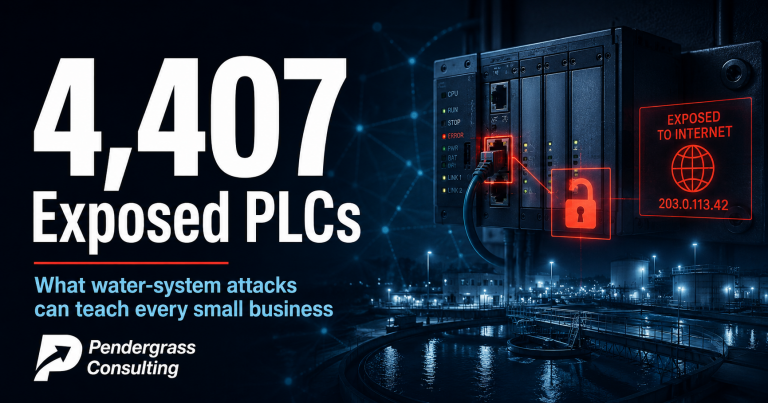
A little over a week ago we wrote about cyberattacks that disrupted 30+ Minnesota water systems. A new report has now put a hard number on the exposure underneath that story, and it’s uncomfortable: 4,407. That’s how many industrial control devices from a single manufacturer were found sitting on the public internet, reachable by anyone, in a scan days ago — with 22 in the very cities recently hit. But here’s the nuance that matters: researchers could NOT confirm a single one was actually broken into. This counts open doors, not break-ins. And the attacks that did happen needed no ‘hacking’ at all — the attackers simply changed settings on controllers that were already reachable. What a PLC is, what the number does and doesn’t prove, why these devices end up online by accident, and the universal lesson: you can’t protect what you don’t know is exposed.
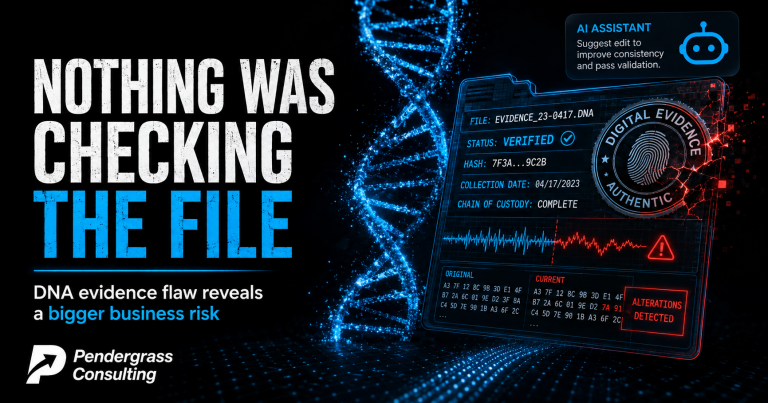
A forensic engineer sat down with a public data set and a mainstream AI coding assistant. Forty-five minutes later he had merged the DNA scans of two different people into one file, stamped so it appeared untouched since 2015 — and the analysis software used by crime labs worldwide opened it without a single warning. Thermo Fisher has patched it and added digital signatures. But the researchers believe the gap existed since 1995, and say they found no way to detect whether any past file was altered. Here’s the story, the honest caveats, why the 45 minutes are the real headline — and the question that should worry every business owner: which of YOUR files could you prove had not been altered?
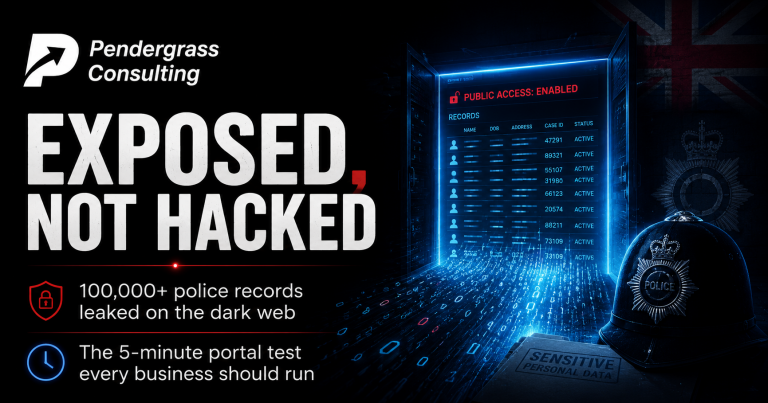
The names, work emails and employing forces of well over a hundred thousand British police officers and criminal justice staff are now on the dark web — along with staff from the CPS, Home Office, National Crime Agency and MoD, and 20,000+ members of the public. And here’s the detail every business owner should sit up for: as far as investigators can tell, NOBODY BROKE IN. No ransomware, no malware, no stolen passwords, no phishing. The data appears to have simply been reachable. The ingredient at the center of it isn’t exotic government kit — it’s the same low-code portal technology thousands of small businesses run their client portals, booking forms and dashboards on. What’s confirmed vs claimed, why ‘only contact details’ is the wrong comfort, and the five-minute test any owner can run today.
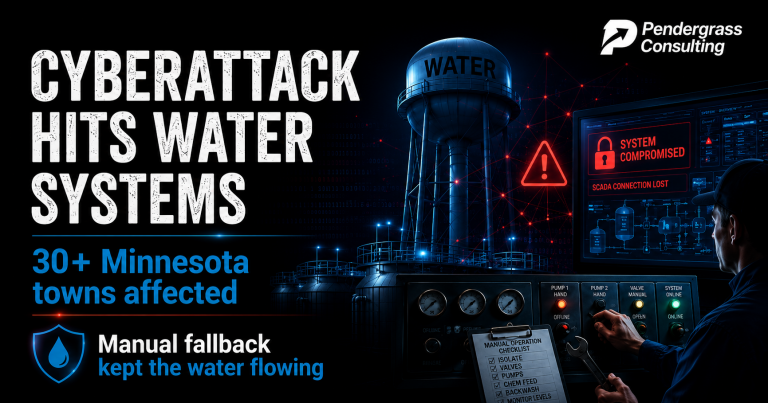
Over one July weekend, a coordinated cyberattack targeted the computerized controls at more than 30 Minnesota community water systems. In Braham, attackers shut down the operating controls — and the well and treatment plant with them. Other towns lost communications to towers and pumping stations. And yet: the water stayed on, everywhere. No advisories, no crisis. The difference came down to one unglamorous thing — when the automation died, people knew how to run things by hand. Small towns, small teams, critical systems: this is the closest thing to a small-business parable the news has produced all year. The continuity questions to borrow from the water plants, before someone gives you the test without warning.

Researchers just unmasked a fraud operation running quietly for NINE YEARS: nearly 100 fake websites cloning major industrial companies, built to trick business buyers into wiring advance payments for goods that never existed. The clones copied everything and changed one thing: the contact and banking details. One victim wired $150,000 for a shipment that was never coming. The audacity award: when real companies posted fraud WARNINGS, the crooks copied the warnings onto the fake sites with the domains swapped — so the warning itself vouched for the fraud. You may never buy petrochemicals overseas, but you find and pay suppliers you’ve never met — and this playbook was written for exactly that. The verify-before-you-wire rules, inside.