
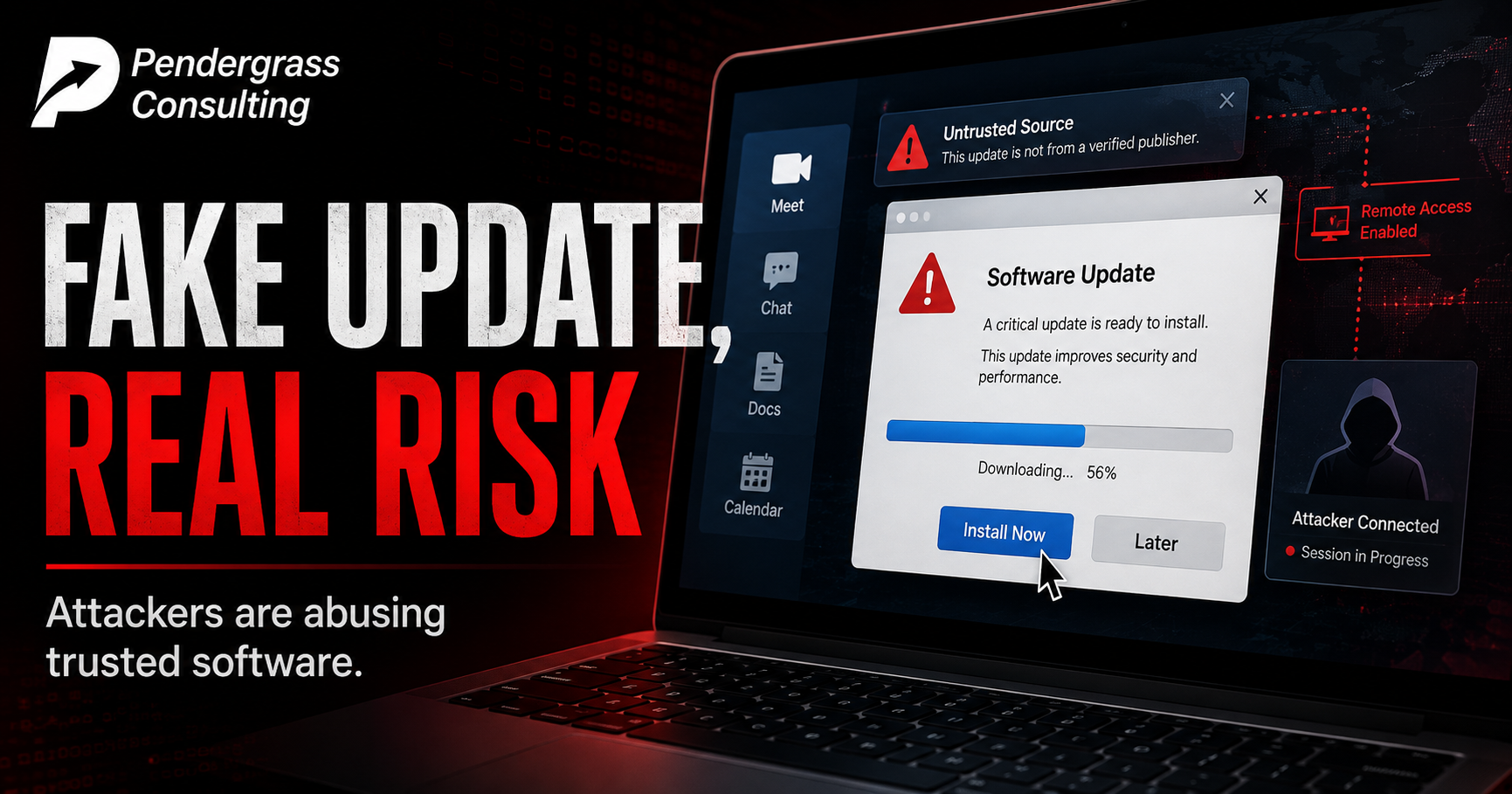
You have been trained your whole computing life to do one thing without hesitation: install the update. The little pop-up says Adobe or Zoom needs to update, and you click yes, because updating is the responsible thing to do — we say so ourselves, constantly. Attackers have noticed that reflex, and they have built an active campaign entirely around turning your good habit into their way in.
Security researchers at Securonix are tracking a live, evolving campaign they’ve named SMOKE#SCREEN, and it’s a clever one, because at no point does it need to sneak traditional malware past your defenses. Instead, it tricks you into installing a real, legitimate, trusted piece of business software — and then quietly turns that software against you. Here’s how it works, why it’s so hard to catch, and the one habit that shuts it down.
The trick: a fake update for a real problem
It usually starts with a phishing message and a lure you’ve seen a hundred harmless versions of: a notice that your Adobe or Zoom software needs updating, a business document waiting for your review, or a “system maintenance” utility to run. The researchers found the fake Zoom update page especially convincing — the correct logo, the exact brand colors, a realistic version number, urgent language about your secure connection failing, and a timer that starts the download automatically after two seconds, with no click required. It looks, in every visible respect, like the real thing.
If you run the file it hands you, you don’t get an obvious virus. You get a working installation of a program called ScreenConnect. And that is where this attack gets genuinely interesting.
The payload is legitimate software — that’s the point
ScreenConnect is not malware. It’s a legitimate, widely used “remote monitoring and management” tool — the same category of software that IT departments and support companies (including ours) use every day to remotely help clients, fix problems, and manage computers. It is a completely normal thing to find running on a business computer.
That is exactly why the attackers chose it. Think about the difference:
| Traditional malware | Abused legitimate tool (this attack) |
|---|---|
| Recognized by antivirus as a known threat | Recognized by antivirus as trusted, normal software |
| Looks out of place on a business PC | Looks exactly like normal IT activity |
| Security teams are trained to hunt it | Security teams see it every day and don’t blink |
| Its presence is a red flag | Its presence raises no alarm at all |
By installing a genuine remote-access tool instead of a custom virus, the attacker gets to hide in plain sight. Their activity blends into the normal background hum of legitimate IT management. The researchers found that the installed software was quietly configured to report not to a real IT company, but to the attackers’ own servers — handing them persistent, full remote control of the machine that looks, to every automated defense watching, like someone’s help desk doing its job.
The uncomfortable core of this attack: your antivirus can’t save you here, because nothing malicious was installed. The software is real and trusted. The only mistake in the whole chain was a human being clicking “run” on a fake update. When the technology can’t tell friend from foe — because the tool is genuinely a friend, just pointed at the wrong master — the human is the only line of defense left. That’s not a software problem. It’s a training problem.
It’s adapting — and it’s on Macs now too
Two more details worth knowing. First, the researchers describe this as a capable, actively maintained operation that changes its tactics over time — earlier versions focused on hiding, while newer ones actively try to disable security protections. This isn’t a static threat you can learn once; it’s a moving target run by someone paying attention.
Second, and importantly for the many small businesses that assume otherwise: this campaign hits Macs too. Researchers found a version delivered through a macOS installer package disguised as a Zoom update. The old comfort that “Macs don’t get viruses” was never quite true, and it’s especially beside the point here — because this attack isn’t really a virus. It’s a con, and a convincing fake update works on any operating system with a human in front of it.
The habit that defeats the entire thing
Here’s the good news, and it’s genuinely simple. This whole elaborate operation depends on one thing: catching you at the moment a fake update prompt appears, and getting you to install it on the spot. Break that one moment and the entire attack collapses. The rule is easy to teach and easy to live by:
Never install an update from a pop-up, a link, an email, or a website that came to you. Real updates come from the program itself or from the maker’s official site. So when Zoom “needs updating,” close the prompt and check for updates inside Zoom, or type zoom.us yourself. When Adobe pops up, go to Adobe’s real site. The instant an update finds you — especially in a browser, an email, or a downloaded file — treat it as a scam until proven otherwise. Go to the source yourself, every time. That single habit would stop this entire campaign at the front door.
This is the exact kind of threat that no product can fully solve, because the attack is aimed at people, not software. It works by exploiting a reasonable, well-trained instinct — keep your software updated — and redirecting it. The defense is to refine that instinct with one small addition: update, yes, always — but only ever from the source, never from something that came to you. That’s precisely the kind of practical, real-world reflex our focused security training builds into a team: not fear of updating, but the muscle memory to do it safely, drilled against the actual tricks attackers are using right now. Your people are the line of defense this attack is built to bypass. A little training turns that line into a wall.
Sources: Securonix Threat Research (SMOKE#SCREEN report, August 4, 2026); The Hacker News; TechRadar Pro; AppleInsider; Dark Reading; Security Affairs, August 2026. Specific tool and infrastructure details are omitted here by choice; awareness-level guidance is the goal.