
Our views on technology, security, marketing & design
AllAICloud BackupCloud SecurityConsumer ProtectionCritical InfrastructureCybersecurityData BreachData ProtectionDigital MarketingEmployee TrainingEthicsIT SecurityLocal BusinessLocal NewsMacNewsPrivacyScamsSelf-HostingShared HostingSmall BusinessSmart HomeTechnologyTips & TricksUncategorizedWeb Design
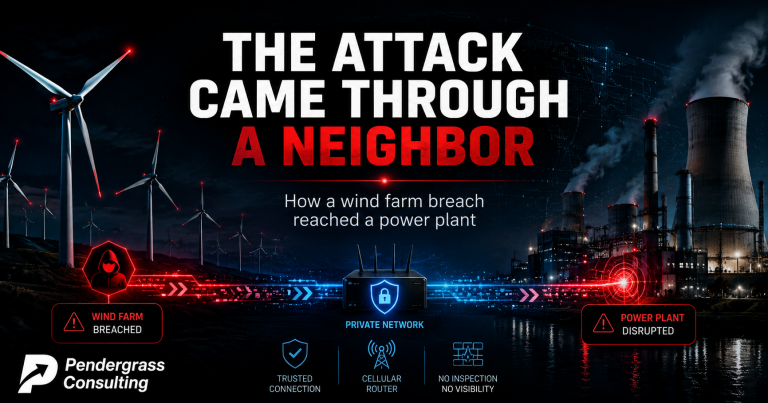
Early on December 29, a steam turbine at a Polish power plant serving 50,000 people stopped — along with the system treating its water. When investigators spent three months piecing it together, they found something never documented before in a real attack. The hackers didn’t break into the plant directly. They broke into a separate WIND FARM miles away, then walked from one to the other through a shared network that NEITHER facility controlled. It’s the first known case of attackers reaching industrial controls this way — and the lesson isn’t about power plants. It’s about the trusted connections hiding in every business: the vendor with remote access, the managed device in the closet, the link between your two locations. Your security is only as strong as the things you’re connected to — including the ones you don’t control and can’t see.
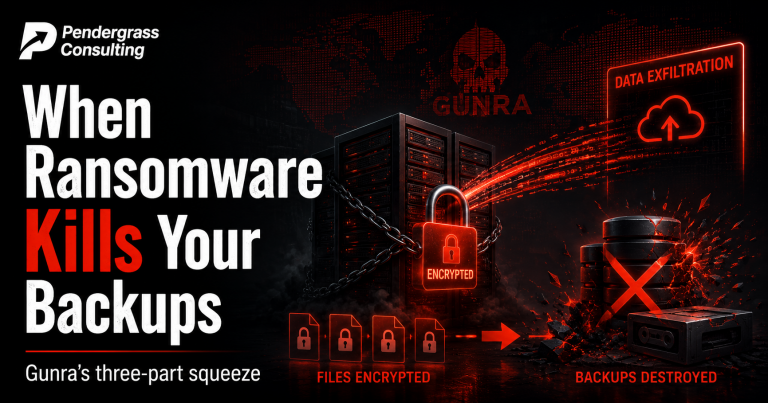
There’s a comforting belief a lot of business owners hold: ‘if my files ever get locked up, I’ll just restore from backup and tell them to get lost.’ It’s a good instinct — and it’s exactly the plan a ransomware operation called Gunra is built to defeat. Gunra doesn’t just lock your files. It steals a copy first, then goes hunting for your backups to destroy them. When your safety net is gone, ‘I’ll just restore’ stops being an option. It’s serious enough that CISA, the FBI, and South Korean authorities issued a joint advisory. Here’s how it gets in (through unpatched firewalls and VPNs — a door you can close), the three-part squeeze it puts on victims, and the backup and patching habits that actually defeat it. Every part of its playbook has a specific, achievable counter.
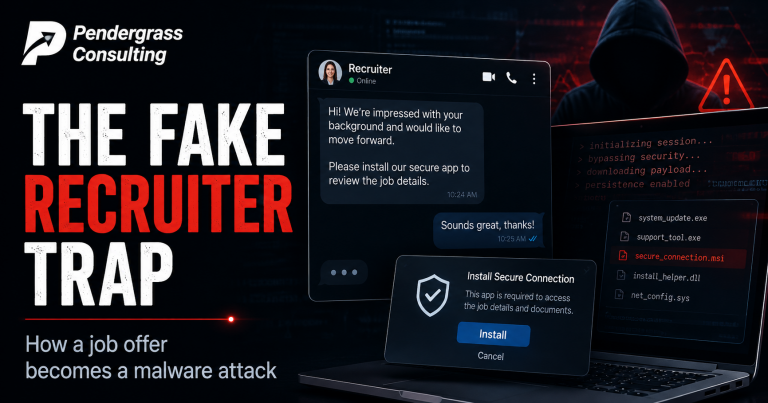
Imagine you’re good at your job and quietly open to a better one. A recruiter reaches out — they’ve clearly read your resume, they know your skills, the role fits. Friendly chat. As part of getting set up, they ask you to install a specific app to connect securely. You’re a competent, technical person; this all seems completely normal. So you install it — and just handed an attacker the ability to run commands on your computer. Ukraine’s CERT-UA detailed exactly this campaign, and while its targets were IT pros, the TECHNIQUE is a masterclass every business needs to understand. Today’s most effective attacks don’t break your technology — they work on your judgment, your ambition, and your trust. Here’s how the con unfolds step by step, why even careful technical people fall for it, and the one rule that stops it: be deeply skeptical any time a friendly unsolicited contact ends in ‘now install this.’

Picture a routine video call. A dozen people, someone sharing their screen. Now imagine one attendee — a name you didn’t quite recognize but figured a colleague invited — could, without clicking anything, without sending you a file, without you touching a single button, quietly take complete control of your computer. Camera. Files. Malware. And do it to every other person on the call, one by one, with no sign on anyone’s screen. That was the real, demonstrated capability of flaws researchers just disclosed in Zoom’s annotation feature. Zoom has released fixes — so update right now. But the more important story is HOW it was found: an AI built the working exploit in under 24 hours with fewer than 20 prompts, collapsing what used to be months of nation-state effort. Here’s what the flaw was, why ‘no click required’ makes it so dangerous, and why prompt updates are now your core defense.
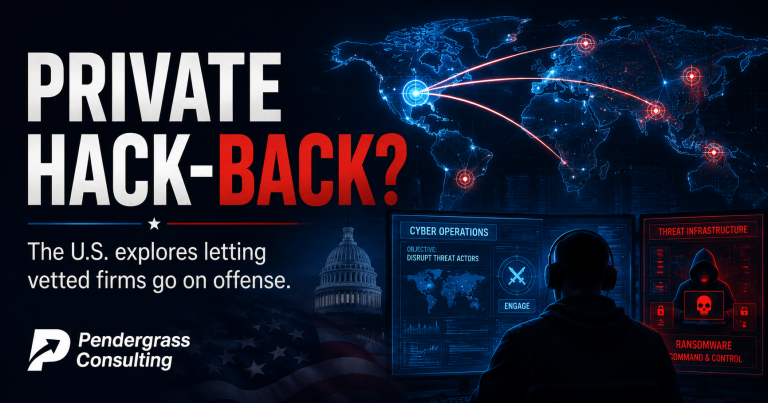
For as long as there have been computer crimes, one rule has been close to absolute in the US: private companies are not allowed to hack back. If a gang encrypts your files and demands a ransom, you can defend your own systems — but the moment you reach out and touch THEIR computers, even to get your own data back, you’ve likely committed a federal crime yourself. This week, that decades-old rule got its first serious crack. A presidential memo directs the government to create a program letting vetted private companies conduct offensive cyber operations against foreign criminal gangs — to break in, surveil, and even disrupt or destroy their systems, under government approval. It’s one of the biggest shifts in US cyber policy in years. Here’s an evenhanded, non-partisan breakdown: exactly what the memo does, the genuine case FOR it, the serious case AGAINST it, and what it means for everyone. No cheerleading, no hand-wringing — just the debate, laid out fairly.

Somewhere in a lab, a piece of software sits between human operators and actual spacecraft flying through space — the steering wheel for hardware worth hundreds of millions of dollars that can never be physically reached again. You’d assume a system like that would be locked behind the most formidable security on Earth. A researcher just revealed it wasn’t. In NASA’s open-source ground-control software, he found flaws that could have let an unauthenticated attacker — no password, no account, nothing — issue commands to spacecraft. And here’s what should stop every business owner cold: it wasn’t a genius-level hack. In the researcher’s own words, it was ‘a stack of small, ordinary web mistakes’ — the exact same everyday errors that hide in ordinary business software. NASA has fixed it. Here’s what the flaws were, why the researcher’s framing matters, and why the same mistakes might be sitting in the web tools your business uses every day.
After our piece on the ‘untold half’ of American cyber power, a lot of you asked the same thing: so what CAN we actually point to? Which operations are real, named, and on the record? Here’s the catalogue — a tour of the offensive cyber operations by the US and its closest allies that have been officially acknowledged or solidly reported, carefully sorted into what governments have ADMITTED versus what’s been REPORTED. Operation Glowing Symphony (the first US offensive op ever acknowledged, which locked ISIS out of its own propaganda accounts), the Hive and LockBit ransomware dismantlings, Britain’s National Cyber Force jamming ISIS drones and switching off Russian vaccine disinformation, the 2019 Iran strike that substituted cyber for missiles, and Stuxnet. No politics, no cheerleading — and a clear line, every time, between confirmed and reported.
Imagine a storefront that sizes up everyone walking by and decides in a split second whether to show them an honest shop or a con — flashing a clean display to police, revealing the scam only to easy marks. That’s almost exactly what a newly detailed malware operation does online. Microsoft tracked 250+ sites that fingerprint each visitor to decide who sees a malware lure and who sees something harmless — deliberately blinding the security scanners meant to catch them. It specifically targets Mac users. But here’s the reassuring part: after all that sophistication, the final step still needs YOU to paste a command into your Terminal and run it. And no legitimate website ever asks you to do that. The one unbreakable rule, inside.