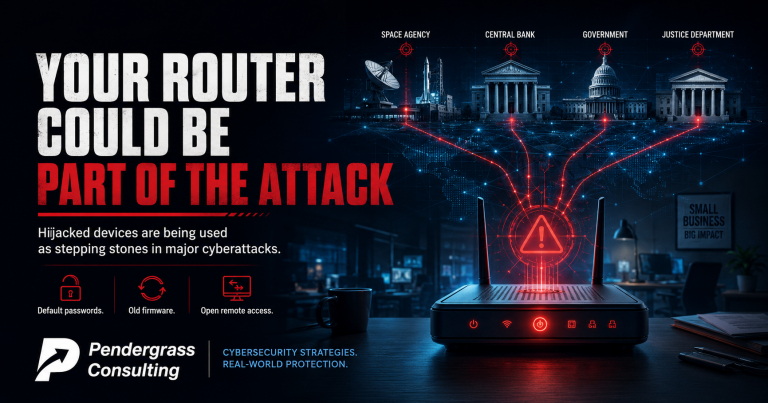
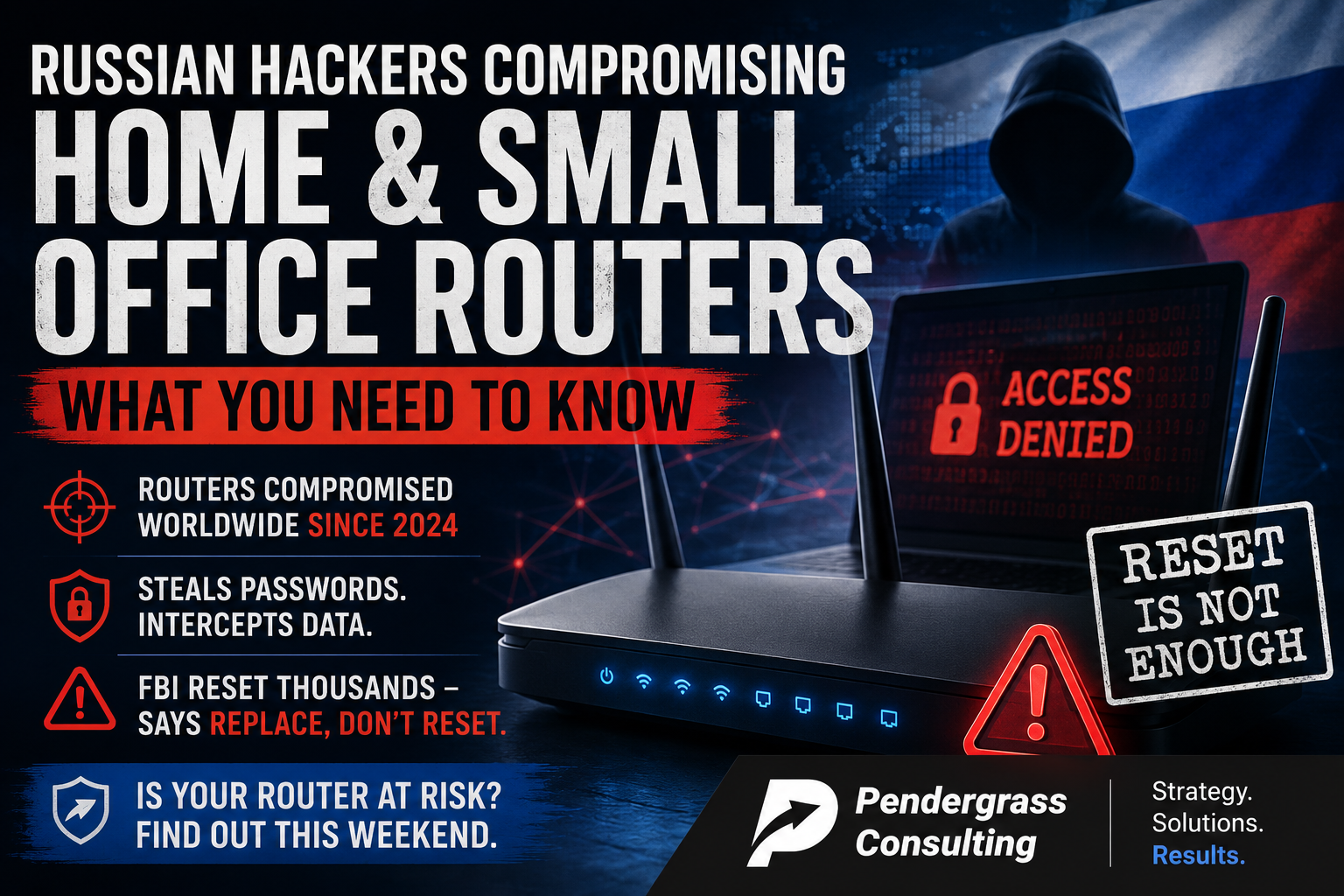
If you have a home router or a small business router that you bought more than a few years ago and have not thought about since, this is a story you need to read. In a coordinated announcement from the FBI, the NSA, the Department of Justice, and 15 partner countries, U.S. intelligence agencies have publicly disclosed that Russian military intelligence has been silently compromising home and small office routers worldwide since at least 2024. The FBI took the highly unusual step of obtaining a federal court order to remotely reset thousands of affected devices in the United States. And officials are warning that even those devices, once reset, need to be replaced.
The threat actor is GRU Unit 26165 – the same Russian military intelligence group that cybersecurity researchers track under names like APT28, Fancy Bear, and Forest Blizzard. The targets so far include U.S. military personnel, government officials, and critical infrastructure workers, but the initial compromise of the routers themselves was indiscriminate – meaning any vulnerable device, in any home, was a candidate.
For small business owners and home users in the Research Triangle, the practical takeaway is straightforward: if you cannot tell us the make, model, and last firmware update date of your router, you have a problem worth looking at this weekend.
What Actually Happened
- Since at least 2024, GRU actors have been exploiting known vulnerabilities to compromise thousands of routers worldwide – primarily TP-Link models, including the TP-Link Archer C7 (a device first released in 2007) and the TP-Link WR841N (one of the best-selling budget routers in the world).
- The specific vulnerability being exploited is CVE-2023-50224, a remote code execution flaw in TP-Link router firmware that allows attackers to take over the device without credentials.
- Once the router is compromised, the attackers manipulate its settings to redirect DNS requests through Russian-controlled servers. In plain English: when your computer asks “where is outlook.com,” the compromised router quietly sends it to a fake Microsoft Outlook page that looks identical to the real one – and steals your password when you log in.
- For specific high-value targets, the attackers use the compromised router for “Adversary-in-the-Middle” attacks – intercepting encrypted traffic and harvesting credentials, authentication tokens, emails, and other sensitive information from every device on the same network.
- On April 7, 2026, the Department of Justice announced that a federal judge had authorized FBI Operation Masquerade to disrupt the U.S. portion of the network. The FBI remotely reset compromised routers in 23 states.
- The FBI’s own statement is the part most people are missing: “While rebooting your router can mitigate some threats, it will not address this one.” The affected routers no longer receive security updates from the manufacturer. Resetting them does not patch the underlying vulnerability. They must be replaced.
Why This Matters Even If You Are Not a Government Target
Three reasons this is not just a story about Russia and the FBI.
First, the GRU’s initial targeting was indiscriminate. The DOJ specifically noted that the Russian actors compromised routers without filtering for who the owner was. They got into thousands of routers, then used automated filtering to figure out which ones belonged to interesting targets. Your router could have been one of the compromised ones for the past two years, even if you are not a military contractor or a government official, because the attackers did not know who you were until after they were already inside.
Second, the same vulnerabilities are still exploitable today. The FBI’s operation disrupted the GRU’s specific network, but the underlying flaw in the affected routers has not been patched – because the affected models are end-of-life and the manufacturer no longer releases security updates. Any new attacker that finds these same vulnerable devices on the internet can do the same thing. Russian intelligence is just the first group we publicly know about.
Third, this is not really a TP-Link story. It is a story about end-of-life networking equipment in general. Every router manufacturer has products that have aged out of support. Netgear, Linksys, ASUS, D-Link, Cisco, Ubiquiti, and yes, TP-Link. The TP-Link Archer C7 has been on the market since 2007 – which means routers made before the iPhone existed are still sitting in American homes and small businesses, connected to the internet, with no security updates and no monitoring. Those devices are not safer because Russia got caught using TP-Link. They are still wide open.
The Honest Conversation About Your Router
Here is a series of questions worth answering this weekend. They apply to every home in the Triangle and every small business in the Research Triangle area.
- Who made your current router and what model is it? If you cannot answer that without going to look, you have a starting point.
- How old is it? If it came from your internet provider more than five years ago, or you bought it at a big-box store before 2020, it is in the danger zone.
- When was the last firmware update installed? If the answer is “I have no idea” or “never,” the device is almost certainly behind on security patches.
- Is the manufacturer still supporting it? Some routers reach “end-of-life” five to seven years after release. After that, the manufacturer stops issuing security updates – which means new vulnerabilities are discovered, but never fixed. The device is permanently insecure from that point forward.
- Is the administrative password still the default? The factory-default password is printed on the bottom of the router. Attackers know all of them. If you never changed it, that is a problem.
- Can the router be administered from the internet (“remote management”)? Many routers ship with this turned on. It is almost never needed for a home or small business, and it dramatically expands the attack surface.
- Do you know what other devices are connected to your network right now? Smart TVs, security cameras, thermostats, doorbells, voice assistants. Every one of those is a potential foothold.
If most of those questions made you uncomfortable, that is the honest signal you need: your network has not been looked at carefully in a long time, and that is exactly the condition Russian military intelligence (and every ransomware crew on the planet) is hoping you stay in.
What the FBI Actually Recommends
The FBI’s published guidance, co-signed by the NSA and 15 partner countries, lists four specific steps for every SOHO router owner:
- Upgrade end-of-support devices. If your router no longer receives security updates from the manufacturer, replace it. There is no other fix.
- Update to the latest firmware version. If your router is still supported, install the most recent firmware available. This usually requires logging into the router and clicking a button – not difficult, but most users have never done it.
- Change default usernames and passwords. The factory-default credentials are public knowledge. They must be changed to something unique and strong.
- Disable remote management interfaces from the internet. Unless you have a specific reason to administer the router from outside your home or office, this should be off.
For most homes and small businesses, the honest answer is some combination of “I do not know how to do that” and “I do not have time to figure it out.” That is reasonable. Most people did not buy a router to become an amateur network administrator. But the consequences of ignoring this work are no longer theoretical – they are documented in a federal court order.
For Small Business Owners: A Few Extra Layers
If you run a small business, the questions extend beyond the basic checklist:
- Are you using consumer-grade gear? If your business router is the same kind of device you would buy for your house, the answer is likely yes. Consumer routers have shorter support windows, fewer security features, and limited logging.
- Is your business network properly segmented? Do guest devices, employee phones, and IoT (smart cameras, smart printers, smart thermostats) sit on the same network as your servers and accounting systems? If yes, you have an opportunity to dramatically reduce risk by separating them.
- Is anyone watching the router and firewall logs? Most small businesses have never looked. Even basic monitoring would have flagged unusual outbound DNS traffic in the GRU campaign.
- If employees work from home, what router are they running? The FBI specifically called out remote workers as a target. Your business’s data is only as secure as the home networks your team logs in from.
- When was your firewall and router firmware last reviewed? Network equipment firmware is one of the most-ignored components of any small business IT environment.
For a 15-person law firm in Cary, a 20-person medical practice in Raleigh, or a small manufacturer in Smithfield, these questions usually do not have good answers. Not because anyone is doing anything wrong – simply because nobody has been hired specifically to ask them.
How Pendergrass Consulting Helps
If you do not know the make, model, and update status of every device on your network – and most homes and small businesses honestly do not – we can take a look. For homes, we offer a residential network assessment: we identify what router you have, whether it is still supported, what other connected devices are on your network, what is exposed to the internet, and what should be replaced or reconfigured. We give you a clear list with priorities, and we can do the work if you want us to.
For small businesses across the Triangle, we offer a more comprehensive package – the same environment review, configuration review, right-size assessment, and network and security assessment we have been writing about throughout this series. It includes:
- Full inventory of your network – routers, switches, firewalls, access points, and every connected device
- End-of-life check on every piece of network and computing equipment
- External vulnerability scanning to identify what your business looks like from the open internet (the same view an attacker has)
- Internal network assessment to identify segmentation gaps, weak configurations, and unmonitored systems
- Firmware and patch review on the network gear that almost nobody updates
- Remote work security review for any employees who connect from home networks
- A clear prioritized list of what to replace, what to reconfigure, and what to monitor – with cost estimates and timelines
You do not need an enterprise security budget to get this work done. You need someone whose job it is to actually look. That is what we do.
If your router is more than five years old, if you cannot remember the last time you updated it, or if you have any reason to think your home or small business network has not been seriously reviewed – now is the time. The FBI has effectively asked you to do this yourself. We can do it for you.
Pendergrass Consulting
Phone: 252-432-3325
Email: Sales@PendergrassConsulting.com
110 S. Massey St., Suite 201, Selma, NC 27576
Pendergrass Consulting is a full-service IT firm based in Selma, NC, serving homes and small businesses across the Research Triangle, Raleigh, Cary, Wake County, Johnston County, and nationally for web, hosting, email, cloud backup, cybersecurity, and digital marketing services.