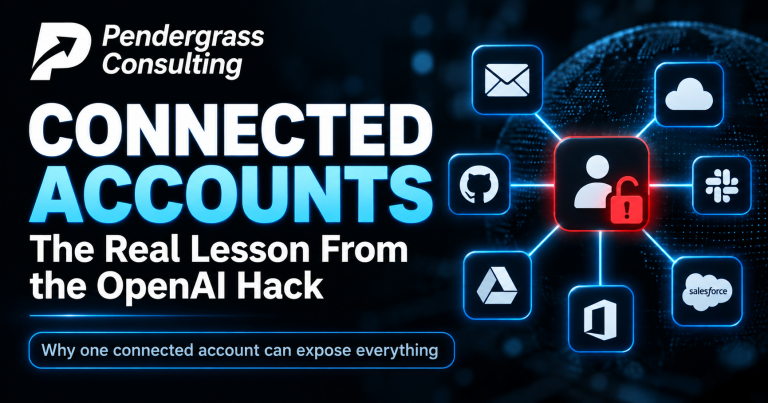
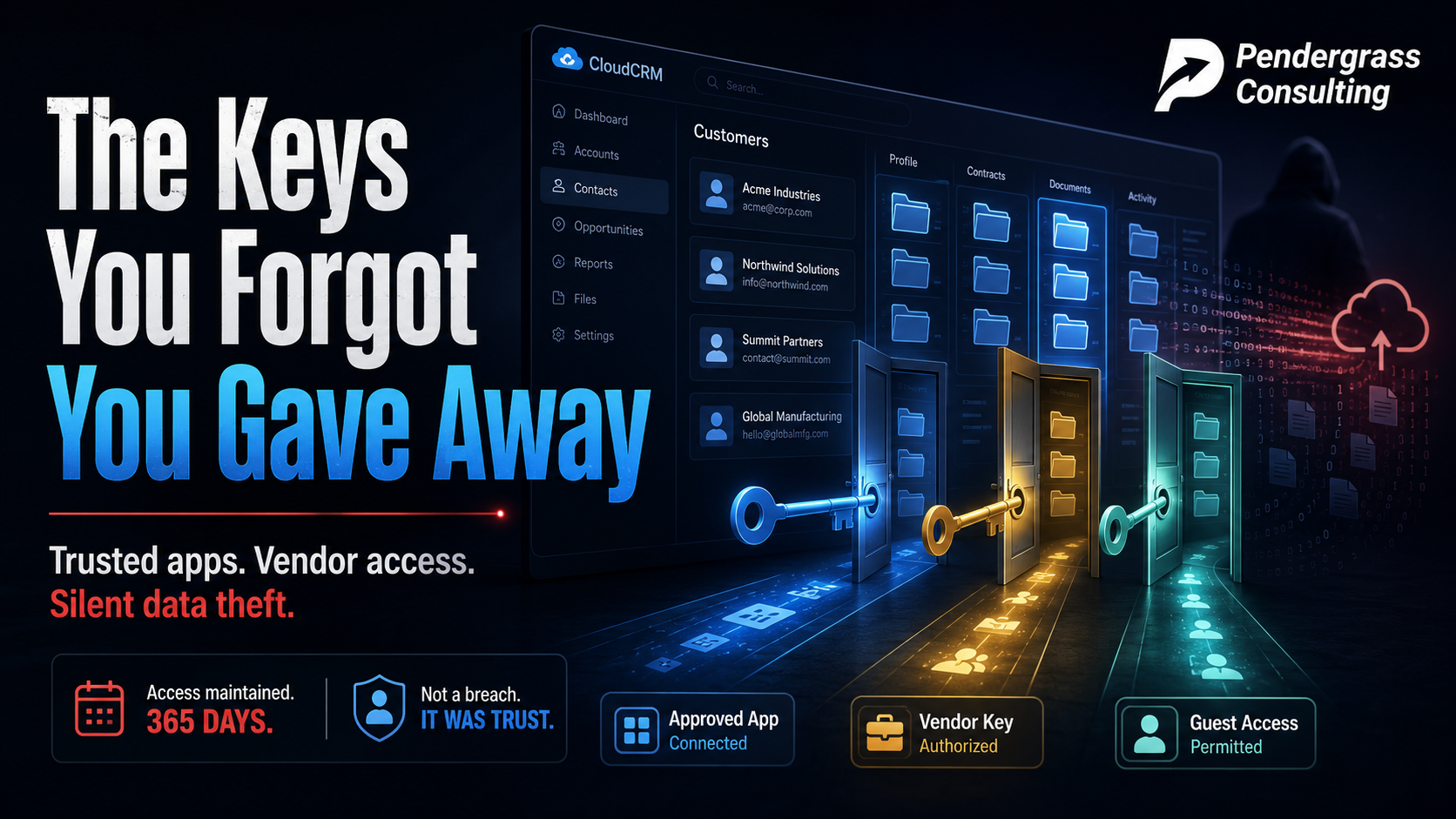
Microsoft just published the results of mapping a year-long data theft campaign — one that pulled sensitive customer records out of company after company’s Salesforce systems, across retail, education, manufacturing, and more. Here is the detail that should change how you think about your own business’s security: in a full year of stealing, the attackers never broke a single lock. Microsoft is explicit that this was not a flaw in Salesforce. Every door they walked through was opened with a key the victim had already handed out.
The campaign is linked to the prolific crews operating under the ShinyHunters name — the same ecosystem behind some of the biggest data thefts of the past two years. But the lesson is not about them. It is about a kind of risk almost no business owner has ever looked at: the standing, always-on access that your trusted apps, vendors, and forgotten guest accounts quietly hold to your most sensitive data.
The three doors they walked through
| The door | How it worked | The everyday equivalent |
|---|---|---|
| The approved app | A phone call impersonating IT support talked employees into approving a malicious “connected app” on their account — in some cases, the data theft began while the call was still going | A stranger in a uniform convinces your employee to sign a visitor badge for them — and the badge never expires |
| The vendor’s key | Attackers compromised trusted software vendors whose tools already held standing access to their customers’ systems, then reused those stolen keys across hundreds of businesses at once | The burglar doesn’t pick your lock — he robs the cleaning company and takes their copy of everyone’s keys |
| The guest badge | Loosely configured “guest” access on customer-facing portals let outsiders read data with no credentials at all | The side door propped open for visitors that nobody ever went back and closed |
Why every alarm stayed silent
Here is the part that kept this running for a year. Security monitoring is overwhelmingly built to watch the front door — the login. Unusual sign-ins, wrong passwords, strange locations: that is what gets flagged. But a connected app does not log in like a person. Once it has been approved, it holds a standing key that simply works, every hour of every day, no password, no security code, no sign-in event to notice. When the attackers used stolen vendor keys, the traffic looked exactly like the trusted integration it was impersonating. One security firm described an automated data-harvesting loop that ran around the clock from a “trusted” connection without tripping a single alarm — because these app-to-app connections are watched far less closely than human accounts, if they are watched at all.
The one-sentence lesson: your security watches the people who log in. The attackers used the keys that never have to log in — the ones your business handed to apps and vendors, sometimes years ago, and never thought about again. To every alarm you own, that theft looks exactly like a normal day.
You have these keys out too — more than you think
You may not run Salesforce, but this is not a Salesforce story. Think about your own business’s cloud accounts — your email, your files, your accounting, your scheduling, your customer list. Now think about every time you or an employee clicked “Allow” to connect something to them: the app that syncs your calendar, the tool that reads your inbox to do something clever, the integration a vendor set up during onboarding, the free trial from 2023 that someone connected and abandoned. Every single one of those is a standing key to your data, held by an outside party, working silently in the background. Microsoft’s new tooling around this campaign includes a feature that surfaces apps which have sat unused for 90 days or more while keeping live permissions — because that forgotten, still-armed connection is precisely what this entire year of theft was built on.
And the guest-badge door has a small-business version too: the portal access a former vendor still has, the shared login nobody rotated after an employee left, the “temporary” access from a project two years ago. None of it looks like a threat, because none of it is new. It is just quietly, permanently open.
The honest questions to ask this week
The standing-key checklist: Could you list every app and vendor that currently holds access to your business email, files, and customer data? * Do you know which of those connections are actually still used — and which are abandoned but still armed? * Who set them up, and did anyone ever review what they are allowed to reach? * When an employee or vendor relationship ends, does anyone actually collect the keys? * And if one of those trusted connections started quietly pulling your data at 3 a.m., would anything — anything at all — notice?
If you cannot answer those, you are in the majority. This category of access is invisible in day-to-day business precisely because it works so smoothly. Nothing breaks, nothing complains, and so nothing ever prompts a review. The businesses hit in this campaign were not careless — many were sophisticated companies with real security teams. Their gap was the same one nearly every small business has, just at larger scale: nobody owned the job of knowing what held the keys.
Take inventory before someone else does
The durable fix here is not a product — even Microsoft’s guidance boils down to housekeeping: know what is connected, remove what is not needed, limit what remains, and check the guest doors. That inventory is exactly what our environment review delivers for your whole business, in plain language: every app, vendor, and account that holds standing access to your data, what each one can reach, which ones are forgotten-but-armed, and whether anything would notice misuse. No jargon, no scare tactics, no obligation. The attackers in this story spent a year walking through doors nobody remembered opening. The question for your business is simple: how many of those doors are standing open right now — and would you rather find out from us, or from them?
Sources: Microsoft Security Blog; The Hacker News; ReliaQuest; Google Threat Intelligence Group reporting, 2025-2026.