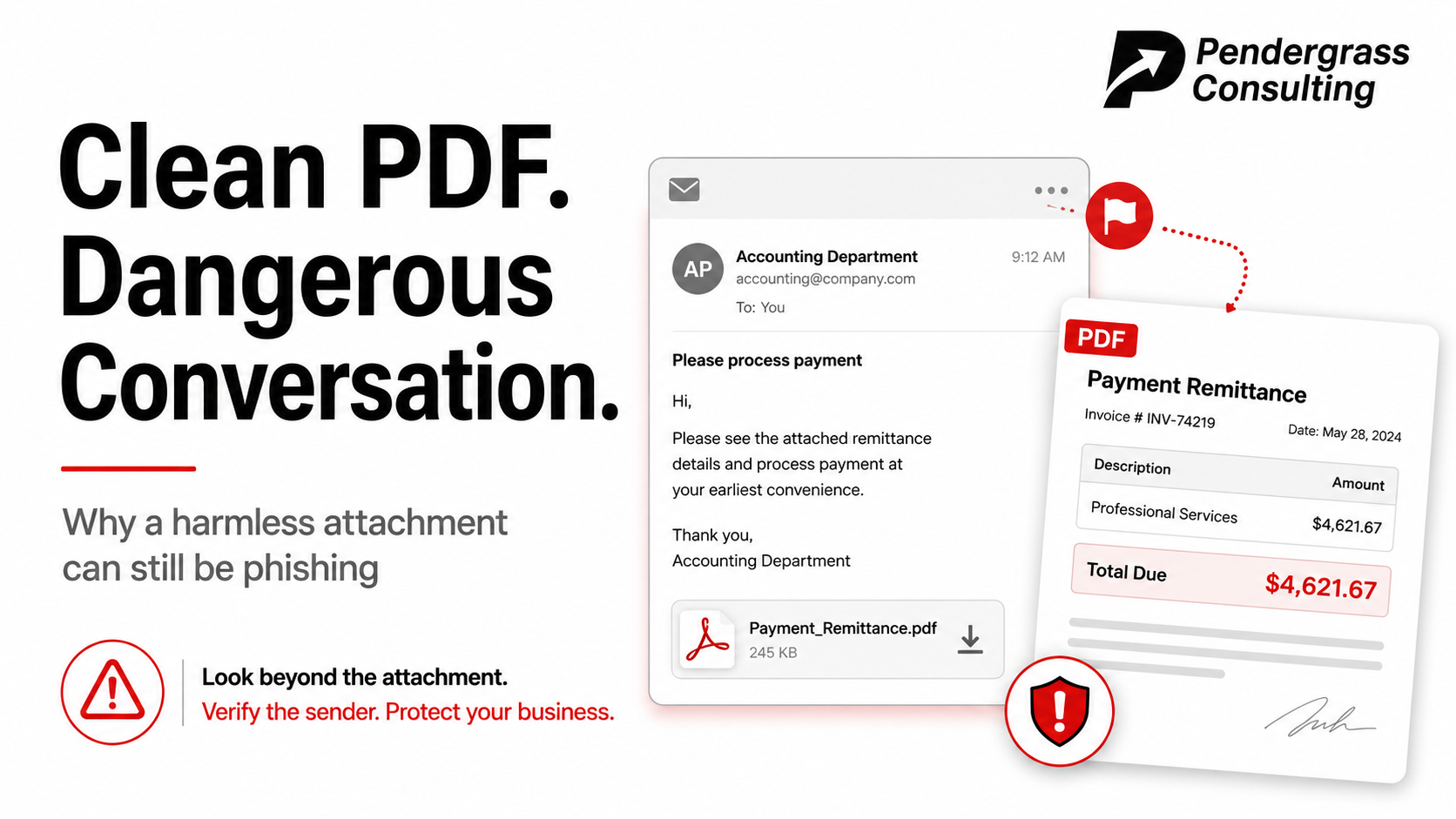
This week, a phishing email landed in one of our own inboxes — and we want to walk you through it, because it is a nearly perfect specimen of the scam we are seeing more of than anything else right now. The subject line: “Payment Advice Note” from a medical device company we have never done business with. The message: short, polite, businesslike. “We have processed the following payment to your account. You should receive credit for these funds in 3-5 business days.” Attached: a small, tidy PDF that looks exactly like the remittance paperwork real companies send every day.
Stop and feel the hook: free money, from a company you’ve never heard of, with the details in an attachment. Every instinct says “open it and see.” That instinct is the entire attack. So we did something better — we took it apart without ever opening it, and what we found is a lesson every business owner and employee should hear.
What we deliberately did NOT do
- We didn’t open the attachment. Not in a PDF reader, not “just in the browser” (the browser is a PDF reader), not as a quick preview on a phone. Documents can carry hidden dangers, and opening one is the only way those dangers get to run.
- We didn’t reply — not even a polite “I think you have the wrong company.” A reply tells the sender this mailbox is live and read by a human, and that alone makes you a more valuable target.
- We didn’t forward it around asking “is this real?” That just puts a live copy in three more inboxes — and eventually somebody opens one.
What our teardown found
Instead, our team examined the file the safe way — with specialized analysis tools that read a document’s raw contents without ever displaying it. Here is the surprising part: the attachment came back spotless.
| Hidden scripts or auto-run tricks | None — zero across the board |
| Links, visible or buried | None anywhere in the file, even hidden inside the image |
| Embedded files or payloads | None |
| The document itself | A genuine corporate accounting form, freshly generated minutes before it was mailed — a “payment” of $4,621.67 made out to a company that is not us |
| Virus scanners | Clean |
No exploit. No link. No payload. By every technical measure, a completely harmless file. So why on earth did a stranger send it to us?
The verdict: a benign file with a malicious job
Because the file was never the weapon. The conversation is. This is a known technique — in fact, our analysis matched this exact lure to a spam wave documented back in 2020, sent through a compromised mailbox at a real company (itself a victim in all this). The kit was simply dusted off and reused. Three details gave it away:
| The tell | What we saw |
|---|---|
| Wrong recipient | The “payment” named a payee company completely unrelated to the mailbox it arrived in. Real remittances do not go to strangers. |
| Time travel | The subject line still carried a date from 2020, while the document’s internals were freshly generated this year. The scam kit was recycled; the template never fully updated. |
| Letterhead rot | The company address on the letterhead was mangled — wrong ZIP, missing state — compared to the real firm’s public headquarters. |
Why criminals send CLEAN attachments on purpose
- There’s nothing to detect. A document with no scripts and no links sails straight past antivirus and email security filters. You cannot flag what isn’t there.
- It validates your mailbox. If the email doesn’t bounce — and especially if anyone replies — the sender has confirmed a live, human-read address worth targeting properly next time.
- It warms up the real scam. Business email fraud thrives on plausible conversations. A boring, professional “payment advice” quietly establishes a money-flavored thread. The next message says “our banking details have changed” or offers a “secure payment portal” — and now it arrives as a reply on an existing conversation, when everyone’s guard is down.
- It costs them nothing. A compromised mailbox and a genuine-looking form, blasted wide. They only need a handful of people to engage.
The do / don’t card
| Do | Don’t |
|---|---|
| Treat every unsolicited attachment as hostile until proven otherwise | Open it “just to see what it is” |
| Verify the story independently — look up the company’s public phone number and call it | Reply, or call any number printed in the email itself |
| Report it as phishing in your mail program, and to your IT or security contact | Forward the raw file around the office |
| Ask yourself: “Was I expecting this? Am I even the right recipient?” | Assume a clean virus scan means a safe email |
The takeaway in one line: “Is this attachment dangerous?” is the wrong question. The right question is “is this conversation dangerous?” — because a pristine, scanner-approved file can still be the first sentence of a very expensive one. Our sample got a clean bill of health. The email still went in the phishing folder, and the thread got zero replies.
Seeing these too? You’re not imagining it — report them
These fake payment and remittance emails are rampant right now — we are seeing more of them than any other lure, hitting businesses of every size, and new variants are being catalogued monthly. So here is our standing offer to the businesses in our community: if something lands in your inbox that feels off — a surprise payment notice, an invoice you don’t recognize, an attachment you weren’t expecting — don’t open it, don’t reply, and don’t forward it around. Report it to us instead. Email security@pendergrassconsulting.com, describe what you received (a screenshot of the email works great), and if we need a closer look we will tell you exactly how to get it to us safely. It takes us minutes to tell you what you’re looking at — and those minutes are a whole lot cheaper than finding out the hard way.
For the IT folks: the sample was a 14 KB SAP-generated remittance form with zero active content — classic mailbox-validation / BEC warm-up. Lure subject “RTI Surgical Payment Advice Note from 07/16/20” (the named firm is itself a victim of the original 2020 wave); sender rterrell@rtix.com; MD5 7944e26472dd90730c51e0bc84f59904; SHA256 47282aac9b01b11117faa3673a19da7354f5e128f7856a5d28d924e91f20d2cf. If you’re sharing samples with a security team, zip them with the password “infected” — the convention exists so live samples travel safely to the people whose job is dissecting them, and nobody else.