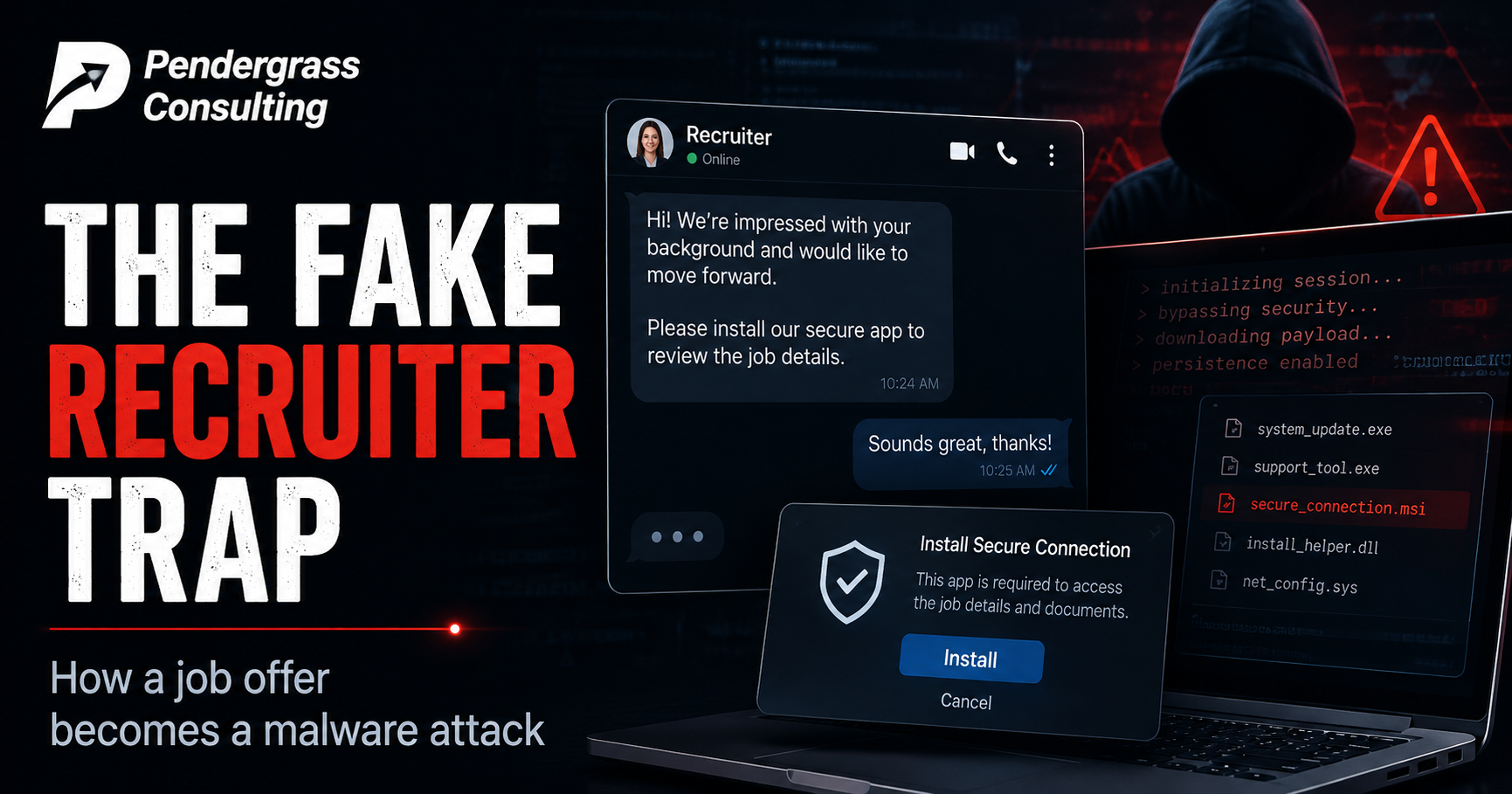
Imagine you’re good at your job and quietly open to a better one. A recruiter reaches out about a promising position — they’ve clearly read your resume, they know your skills, the role fits. You have a friendly chat. As part of getting set up for the process, they ask you to install a specific application to connect securely. You’re a competent, technical person; this all seems completely normal. So you install it. And in doing so, you just handed an attacker the ability to run commands on your computer.
That’s the shape of a campaign that Ukraine’s national cyber-defense agency, CERT-UA, detailed in an advisory — and while its specific targets were IT professionals in Ukraine, the technique is a masterclass in modern deception that every business owner and employee should understand. It’s a powerful illustration of how today’s most effective attacks don’t break your technology at all. They work on your judgment, your ambition, and your trust. Let’s walk through how it works and why even careful, technical people fall for it.
A note on the source
This campaign was documented by CERT-UA, which attributed it to a well-known state-linked threat group. We’re relaying the agency’s factual findings about how the attack works because the method is broadly instructive; we cover it apolitically and with no agenda beyond the security lesson. The takeaways here protect anyone — a job seeker, a business, an employee — against a style of attack that is spreading well beyond its original targets, because it’s effective. And it’s worth knowing that fake-recruiter schemes in general have become a favorite tactic precisely because they work on smart, employable people.
The con, step by step
What makes this attack so effective is that every step feels natural and professional. There’s no obvious moment of alarm. Here’s how it unfolds:
- The research. The attackers browse legitimate job websites, reading the resumes of real professionals to find suitable targets. When they make contact, they already know your background — which makes them instantly credible. This isn’t a random spam blast; it’s tailored to you.
- The approach. Posing as a recruiter from a real-sounding company — even name-dropping a genuine, well-known business as the ultimate employer — they open a conversation through the job site’s own chat, then move it to a messaging app. Every bit of this mirrors how real tech recruiting actually happens.
- The setup. As part of the “process,” they ask you to install a specific application — framed as a normal tool to connect securely for the role. The request is mundane. That’s the point.
- The switch. In the case investigators documented, the attackers even provided ordinary setup files first — ones that simply didn’t work. When the target hit that snag, the helpful “recruiter” offered a fix: download this other custom app instead. That app was the actual weapon. The failure was engineered to make installing the malicious tool feel like a natural troubleshooting step you arrived at yourself.
- The compromise. The custom application was built from a real, legitimate open-source VPN program — but modified so that it could secretly execute commands on the victim’s computer and pull down further malicious software. To a casual look, it behaves like the real thing.
The genius and the danger, in one idea: this attack works because it hijacks a context you’ve been taught to trust. Applying for a job is exciting and legitimate; installing setup software when a recruiter asks feels routine. There’s no scary email, no obvious threat — just a normal professional interaction that happens to end with attacker code on your machine. When the “attack” is indistinguishable from a good career opportunity, technical skill alone won’t save you. Awareness of the pattern will.
Why they hid the danger inside a real program
One detail deserves a closer look, because it’s a technique you’ll see more and more. The attackers didn’t write an obvious piece of malware from scratch. They took a genuine, trusted, open-source application and quietly modified it to do their bidding. Reportedly, some of the malicious commands were even hidden, encrypted, inside the program’s ordinary-looking configuration files — so a quick inspection of the app itself wouldn’t reveal anything obviously wrong.
The purpose of all this is disguise. A brand-new unknown program might raise suspicion or trip a security alert. A well-known, legitimate tool — lightly altered — looks trustworthy and behaves normally, right up until it doesn’t. This is the same principle behind a whole family of modern attacks: rather than smuggling in something that looks dangerous, they weaponize something that looks safe. It’s a reminder that “but it’s a real, well-known program” is not, by itself, proof that the copy you were handed is clean.
Why this matters far beyond its original targets
You might think a campaign aimed at IT workers in another country has nothing to do with your business. But the underlying playbook — impersonate a trusted party, build rapport, and use that trust to get someone to install something or hand something over — is the single most common shape of attack there is, and it’s aimed at everyone. The recruiter disguise is just one costume. The same move wears many others:
- The fake IT support call: “We’re fixing an issue with your account — please install this remote-support tool so I can help.”
- The vendor impersonation: a message that looks like it’s from a software provider you use, urging you to install a critical update from their link.
- The new-client or partnership lure: an exciting business opportunity that requires you to open a document or install a tool to “view the proposal” or “join the portal.”
- The recruiter approach itself: aimed at your employees, who may not think of a job offer in their inbox as a security risk at all.
In every version, the mechanics are identical: someone earns your trust by appearing legitimate, then leverages that trust to get you to take an action that compromises you. The costume changes; the con doesn’t.
How to protect yourself and your team
Because this is an attack on judgment rather than technology, the defenses are habits of mind — simple to state, powerful in practice.
The core rule: be deeply skeptical any time an unsolicited contact — however friendly, professional, or exciting — leads to a request that you install software, download a file, or enter your credentials. That specific combination (an unexpected approach that ends in “now install this” or “now log in here”) is the fingerprint of a social-engineering attack, whatever costume it’s wearing. The excitement of an opportunity is not evidence that it’s real.
Building on that, a few concrete habits:
- Verify through a separate channel. If a “recruiter” or “vendor” or “client” contacts you, confirm they’re real independently — look up the company yourself and contact it through its official website, rather than trusting the contact details they gave you. A real opportunity survives a verification step; a con often evaporates.
- Treat “install this custom app” as a bright red flag. Be extremely wary of installing specialized software provided by someone who contacted you, especially a link or file that didn’t come from an official app store or the vendor’s own site. And be doubly suspicious when the “official” version conveniently fails and a custom replacement is offered — that’s a known manipulation, not a coincidence.
- Talk to your team about it. Your employees are targets too, often through personal channels like a job offer or a social-media message that then pivots to their work device. They can’t apply skepticism to a pattern they’ve never had named for them. A brief, concrete conversation about how these cons actually work is one of the highest-value security investments a business can make.
The enduring lesson of this campaign is that sophistication has moved from the code to the con. The attackers used a clever piece of modified software, yes — but the truly effective part was the human story wrapped around it: the flattering approach, the plausible company, the natural-feeling request, the engineered little problem with its helpful solution. That’s what got a capable, technical person to open the door willingly. No firewall stops that, because nothing was forced. The door was opened from the inside, by someone who believed they were doing something completely ordinary.
That’s precisely the instinct our focused security training is built to develop — not paranoia, but a calm, reliable pattern-recognition for the moment when a friendly interaction turns into an unexpected request to install, download, or log in. We teach teams to feel the specific texture of these cons so they recognize one in real time, no matter what costume it wears, and to make verifying second nature. The attackers in this story did their homework and wrote a convincing script. The best defense isn’t a better program — it’s a person who knows the script when they hear it. Let’s make your team that person.
Sources: CERT-UA advisory (August 2026); The Record (Recorded Future News); TechTimes, August 2026. Specific malware names and technical indicators are omitted here in favor of awareness-level guidance. The campaign was attributed by CERT-UA to a state-linked group; this article reports that finding factually and takes no further position.