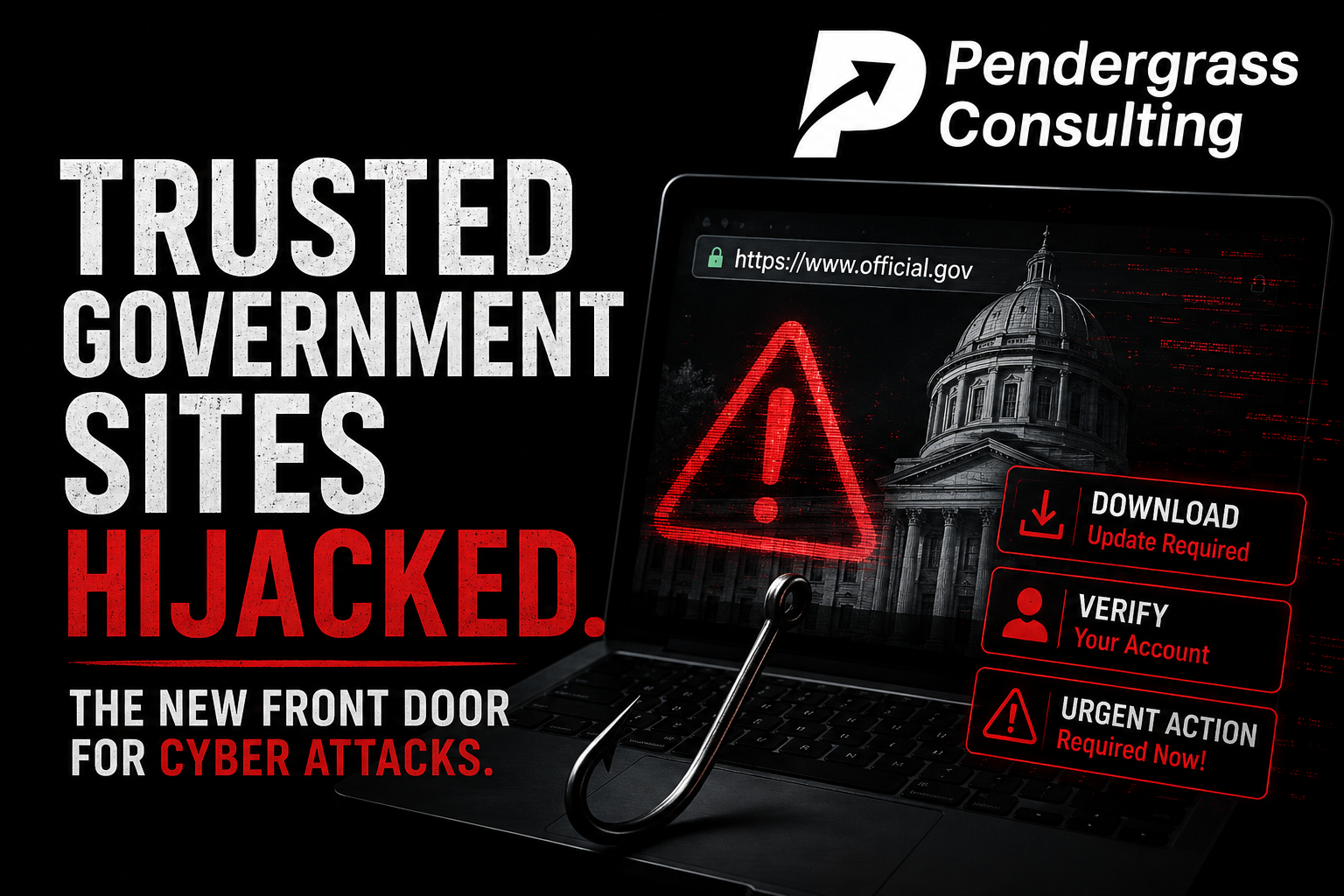
Security researchers at ANY.RUN just published findings on an active campaign they call PhantomEnigma, reporting that more than twenty hijacked government websites were quietly turned into a delivery channel for malicious software — part of a broader operation the researchers say targets banks and public agencies. Read that again: government websites. The addresses we are all taught to treat as the safest places on the internet, working for the other side.
If that sounds like a freak occurrence, here is the part every member of the public should understand: it is not. Trusted, legitimate websites get hijacked and turned against their own visitors regularly — and the past few months alone supply a sobering list of confirmed examples. That pattern, and the simple habits that defeat it, are today’s lesson.
Not a one-off: the recent record
| This month | Researchers at ANY.RUN report 20+ hijacked government websites serving as an attack channel in the active PhantomEnigma campaign targeting banks and public agencies |
| May 2026 | More than 700 legitimate websites — including universities and tech companies — were hijacked through a publishing-software flaw and used to show visitors fake “verification” pages that tricked them into installing malicious software |
| December 2025 | At least 38 official state and local government sites across 18 U.S. states were hijacked through their public document-upload forms and used to push scam content into Google search results |
| Ongoing | Researchers have documented official government domains across more than 20 countries being misused to host phishing pages and redirect victims — precisely because filters and people inherently trust them |
How a “safe” website turns dangerous
Every website — government, university, business, blog — is a piece of software running on a computer somewhere, usually assembled from many smaller pieces of software. When any of that goes unmaintained, it develops the same kind of weaknesses as an unpatched laptop, and attackers actively scan the internet hunting for exactly those. When they find one, they do not deface the site or announce themselves. They quietly plant their own content inside it: a booby-trapped download, a fake verification step, a redirect to a counterfeit login page. The address bar still shows the real, trusted name. The padlock is still there. Everything a visitor has been taught to check still checks out — which is precisely what makes a hijacked legitimate site more dangerous than any obviously fake one.
The rule to internalize: trust the site, verify the ask. A website’s identity is not a guarantee of the website’s behavior. A page can be exactly who it says it is and still, because it was hijacked, hand you something poisonous. So your safety cannot rest on where you are — it has to rest on what you are being asked to do.
The asks are the tell
The good news: however trusted the hijacked site is, the dangerous moment always looks the same. It is the ask that gives it away, and the same short list of rules we teach for every scam covers this one completely:
- An unexpected download is a stop sign. If you did not come to the site specifically to download that file, do not open it — no matter whose site it is.
- A page that hands you steps to perform is the attack. No legitimate website ever needs you to manually run instructions on your own computer to “fix” or “verify” anything. The recipe is the trap.
- A surprise redirect to a login page means go direct. If you get bounced somewhere asking you to sign in, close it and type the address of the real service yourself.
- Urgency is always the tell. Alarming warnings and act-now prompts exist to make you skip the ten seconds of thought that would save you.
Own a website? This is your half of the lesson
There is a second audience for this story: everyone who owns a website. The government and university sites in that table were not hijacked because they were special targets — they were hijacked because they were reachable and unmaintained, and criminals scan for that combination indiscriminately. A small business website that was built, launched, and then left to run itself is exactly the same kind of prey. And when it gets hijacked, the victims are your own customers, poisoned under your name, on the site they trusted because they trust you. This is the unglamorous reason we host and look after our clients’ websites on our own managed platform — watched, updated, and backed up — rather than handing over the keys and disappearing. A website is software, software needs minding, and someone has to own that job.
Two questions worth answering today: Would the people in your business recognize the “asks” above as stop signs — even on a website they trust completely? And if you own a website: when was the last time anyone actually checked that it is current, watched, and clean?
The first question is what our focused, plain-language security training answers — building the instinct that keeps people safe on any website, hijacked or not, because the instinct watches the ask instead of the address. The criminals running these campaigns are betting that “it’s an official site” will keep doing their work for them. Teach your people to trust the site but verify the ask, and that bet stops paying.
Sources: ANY.RUN threat research via The Hacker News; Malwarebytes; Cofense research on government-domain abuse; regional news reporting, 2025-2026. Campaign details are as reported by ANY.RUN.