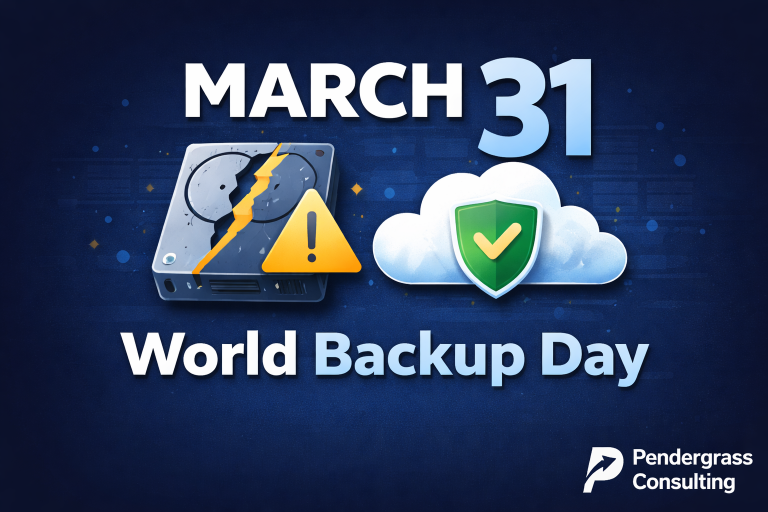
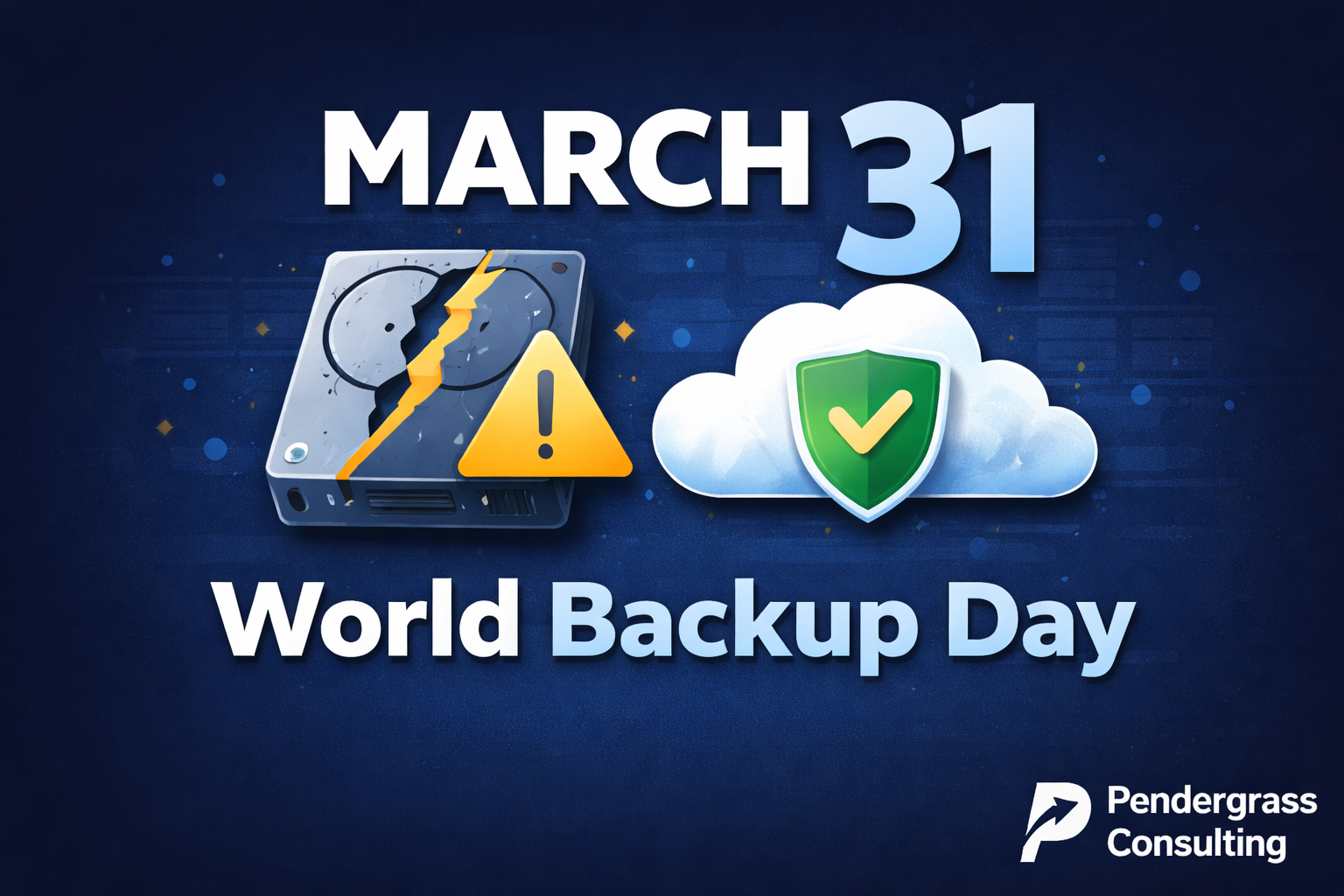
March 31st Is World Backup Day
There’s a reason World Backup Day falls on March 31st — the day before April Fools’ Day. The message is simple: don’t be the fool who loses everything because you didn’t back up.
It sounds dramatic until it happens to you. Then it’s not a joke at all.
Every year, we talk to business owners who learned this lesson the hard way. The ransomware attack that encrypted everything. The server that died without warning. The employee who accidentally deleted the wrong folder. The fire that destroyed the office — and the backup drive sitting in the desk drawer.
They all have one thing in common: they thought it wouldn’t happen to them.
The Numbers Are Sobering
Consider the reality most businesses face:
- 60% of small businesses that lose their data shut down within 6 months
- 140,000 hard drives fail every week in the United States alone
- 29% of data loss is caused by accident — human error, not hackers
- 1 in 5 small businesses will suffer a critical data loss in any given year
- Ransomware attacks increased 13% last year, with the average ransom demand exceeding $1.5 million
The question isn’t whether you’ll face a data loss event. It’s whether you’ll be prepared when it happens.
What ‘Backup’ Actually Means in 2026
Here’s the problem: most businesses think they have backups. They don’t.
What they have is a false sense of security.
The External Hard Drive in the Office
That hard drive sitting next to your server? If your office floods, burns, or gets burglarized, it’s gone — along with your ‘backup.’ If ransomware spreads through your network, it encrypts that drive too. And when’s the last time someone actually verified those backups work?
The USB Drive in Someone’s Desk
Critical business data shouldn’t depend on whether Dave remembers to plug in the USB drive before he leaves on Friday. And it definitely shouldn’t depend on Dave not losing the drive, or the drive not failing, or Dave not taking a job somewhere else and walking out with your data in his pocket.
The ‘Sync’ That Isn’t a Backup
Dropbox, OneDrive, Google Drive — these are file synchronization tools, not backup solutions. If you delete a file, it deletes everywhere. If ransomware encrypts your files, it syncs the encrypted versions. If someone overwrites a critical document, the old version may be gone forever.
Syncing is not backing up. They solve different problems.
The Daily Backup That’s Actually Weekly
When’s the last time you verified your backups actually ran? Many businesses discover their ‘daily’ backup hasn’t run in weeks — or months — only after they desperately need to restore something.
What Real Backup Protection Looks Like
Effective business backup isn’t a single drive or a sync folder. It’s a system designed to protect you from every realistic threat your business faces.
The 3-2-1 Rule
The gold standard for backup is simple:
- 3 copies of your data
- 2 different types of storage media
- 1 copy offsite — physically separate from your location
This protects you against hardware failure (multiple copies), technology-specific failures (different media types), and physical disasters (offsite storage).
Frequency Matters
If you back up once a day and disaster strikes at 4:30 PM, you lose everything since last night. For many businesses, that’s unacceptable.
Think about your business: How much work can you afford to lose? An hour? A day? A week? Your backup frequency should match your tolerance for data loss.
Verification Is Non-Negotiable
A backup that hasn’t been tested is a backup that might not work. You don’t want to discover your backups are corrupted when you’re trying to recover from a ransomware attack at 2 AM.
Regular testing and verification separate real backup solutions from expensive false hope.
Speed of Recovery
How long can your business operate without its data? If your server dies, can you be back up and running in an hour? A day? A week?
Many businesses focus on backing up data without thinking about how quickly they can restore it. Backup is only half the equation — recovery is what actually saves your business.
Our Private Cloud Backup Solution
At Pendergrass Consulting, we offer private cloud backup designed specifically for small businesses. Here’s what makes it different:
Up to Hourly Snapshots
We don’t just back up once a day and hope for the best. Our system can capture snapshots of your data as frequently as every hour. If disaster strikes at 3 PM, you lose an hour of work — not an entire day.
For businesses where every hour of data matters, this can be the difference between a minor inconvenience and a major crisis.
True Offsite Protection
Your backups are stored in our secure private cloud — completely separate from your office. Flood, fire, theft, ransomware — none of it can touch your backup copies because they’re not in your building.
Encrypted and Secure
Your data is encrypted in transit and at rest. We take security seriously because your business depends on it.
Monitored and Verified
We don’t just set up backups and walk away. We monitor them continuously to ensure they’re running successfully. If a backup fails, we know about it — and we fix it before you ever need to restore.
Fast Recovery When You Need It
When disaster strikes, you need your data back now — not next week. Our solution is designed for fast recovery so your business gets back to work quickly.
Local Support You Can Trust
We’re not a faceless national provider. We’re a local Triangle-area company, and when you need help, you get a real person who knows your business and your systems.
What We Protect You Against
Our backup solution protects your business from:
- Ransomware — Even if attackers encrypt everything in your office, your cloud backups remain safe and recoverable
- Hardware failure — Servers and hard drives die. When yours does, your data survives
- Human error — Accidental deletions, overwrites, and mistakes can be reversed with point-in-time recovery
- Physical disasters — Fire, flood, theft, storms — your offsite backups survive what your office doesn’t
- Software corruption — Database corruption, failed updates, application errors — roll back to a clean snapshot
- Malicious insiders — Disgruntled employees can’t destroy what they can’t access
The Cost of Not Having Backup
When businesses ask about the cost of proper backup, we ask them a different question: What’s the cost of losing everything?
Consider what you’d lose:
- Customer records and contact information
- Financial records and accounting data
- Contracts, proposals, and legal documents
- Employee records and HR files
- Emails and correspondence
- Project files and work in progress
- Inventory and ordering records
- Years of institutional knowledge
Now consider the cost of reconstructing all of that — if it’s even possible. The labor. The lost business while you’re down. The customers who can’t wait and go elsewhere. The reputation damage. The potential compliance violations if you lose regulated data.
Suddenly, professional backup looks like a bargain.
World Backup Day: Take Action
World Backup Day isn’t just about awareness — it’s about action. Here’s what you should do:
1. Audit Your Current Backups
Do you actually have backups? When did they last run? Have you ever tested a restore? Where are they stored? Could a single disaster destroy both your data and your backups?
Most businesses that think they’re protected discover gaps when they actually look.
2. Calculate Your Risk Tolerance
How much data can you afford to lose? How long can you operate without your systems? These answers should drive your backup strategy.
3. Talk to a Professional
Backup is too important to guess at. A professional assessment can identify risks you haven’t considered and solutions that fit your specific needs and budget.
Don’t Be the April Fool
Every year, businesses learn the hard way that ‘I’ll deal with backups later’ is a gamble that eventually fails.
Don’t wait for the ransomware attack. Don’t wait for the server failure. Don’t wait for the fire, the flood, or the employee mistake that wipes out years of work.
World Backup Day is March 31st. Make it the day you finally get serious about protecting your business.
Get Protected Today
At Pendergrass Consulting, we make backup simple. We assess your needs, implement a solution that actually protects you, monitor it continuously, and support you when you need us.
Our private cloud backup with up to hourly snapshots gives you the protection your business deserves — without the complexity of managing it yourself.
Contact us today for a free backup assessment. We’ll review your current protection, identify any gaps, and show you exactly how we can help.
Because the best time to think about backup is before you need it.
Pendergrass Consulting provides private cloud backup, cybersecurity, IT support, and technology consulting services throughout the Triangle area, including Raleigh, Durham, Chapel Hill, Cary, Apex, and the surrounding communities.